
AI First Thoughts
While I have been amazed and impressed by the efficacy of AI, I have also been concerned about how useless it can be. I have been trying out a few things over the last few days and I have been annoyed at how it can get so many things wrong and be difficult to use and set up.
Yet at the same time, I’ve done some things I’ve been incredibly impressed by, and I think AI is going to have a huge influence on the future of just about everything. I asked an AI to create an application for me to help learn to do some mathematics. It gave me an absolutely marvellous application which used AI itself. I made changes to it so that I could drag and drop an image of an algebraic mathematics problem, and it would not solve it for me. Instead, it would ask me what I wanted to do next to get started. And then, help me if I said I didn’t know what to do. It gave me step-by-step instructions on what to do and why, and it was really fantastic in terms of learning how to do algebra.
As I mentioned in a previous post, I’m using a tool which allows me to talk to my computer and it works with AI in the background, so I have to do very little in the way of corrections to the resulting text from the transcription of my voice. That tool is called Wispr Flow, and it’s absolutely amazing. It’s what I expect Siri to be one day.
Here are some of the tools I’ve been trying out. Some I’ve only had a brief look at, and some I’ve spent more time with. Sometimes, it’s difficult to get around the concept of using AI because you have to learn a new vocabulary for dealing with the concepts of AI. Each of the AI tools has a different name for the same thing. So sometimes it’s best to just stick with one and learn that as deep as you can go before you try something else. If you spend too much time hopping from one tool to another, you’ll only get completely confused.
Fabric

The guy who created an AI framework called Fabric waxed lyrical about how well it worked and I spent a whole day trying to get it to work. In the video they show a way to set it up. When you do it though it is all different because now it is written in Golang instead of Python. Go is probably a better solution but they could have gone back to the video and explained the new way of setting up. Then you have to find out for yourself how to bringing in the patterns (another word for prompts). Then the setup put an API key in the wrong place in the config file and it took a while to work out where the problem was. It was all a lesson in frustration.
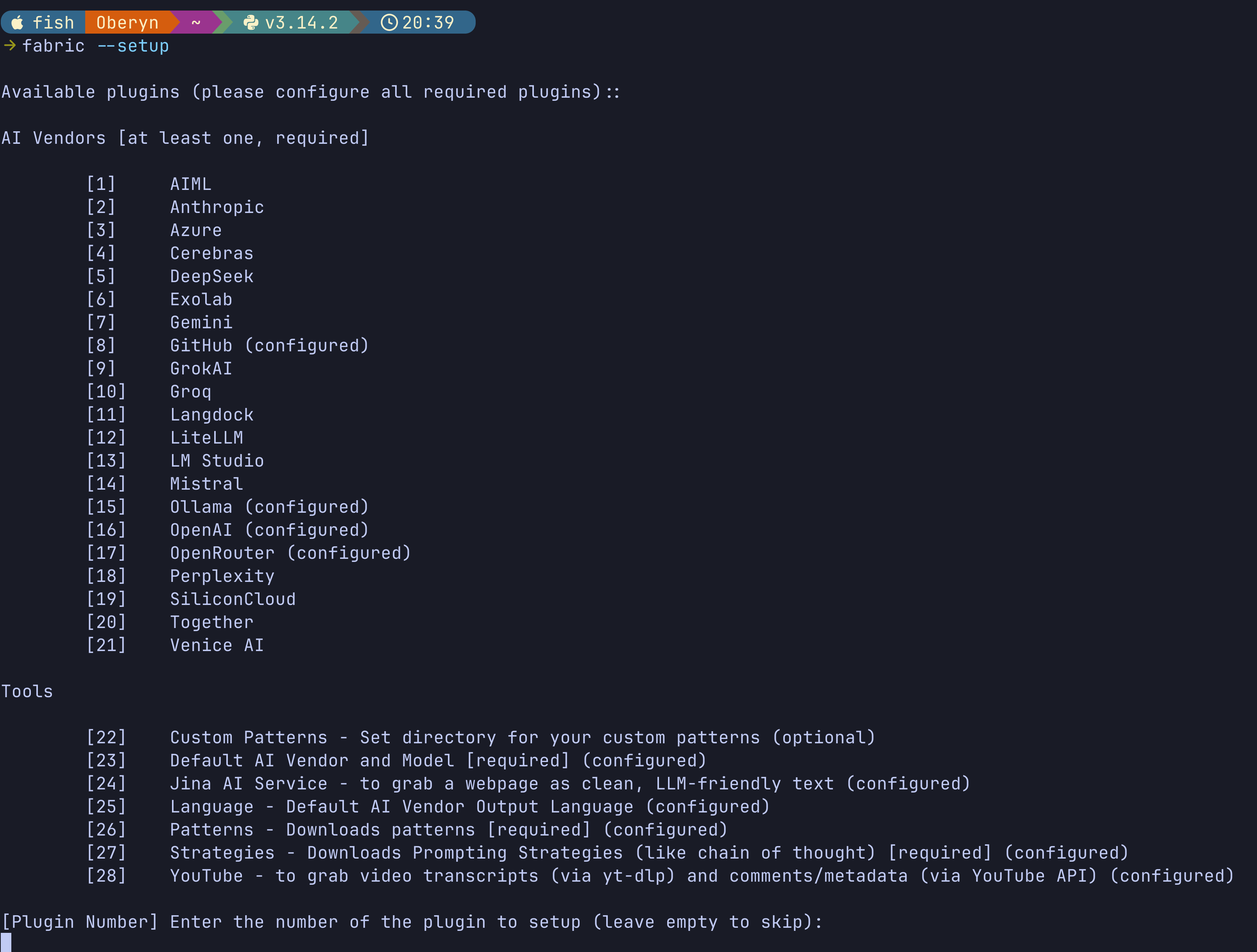
When you use it you have to remember the command line commands to make it work. The video didn’t mention that some of the things shown required other tools to be installed and also aliases in the .zshrc file. I got there in the end but in terms of usability it is a bit of a mess. Maybe when you get used to it and being nerdy enough to put up with it you will like it. I’m tempted to give it another hour or too, just in case.
Goose
This one has possibilities but is not as good as using Warp. Warp just works, it costs a bit because it goes through the tokens rapidly. Goose did give me applications that I was happy with. With Goose it is just not as well thought out in terms usability. It is still fairly new and maybe it will get better. There is a command-line utility for Goose, but there is also an application you can use on the Mac. There seems to be a limit with the number of extensions that you can load, and a couple of times it failed to load an extension.
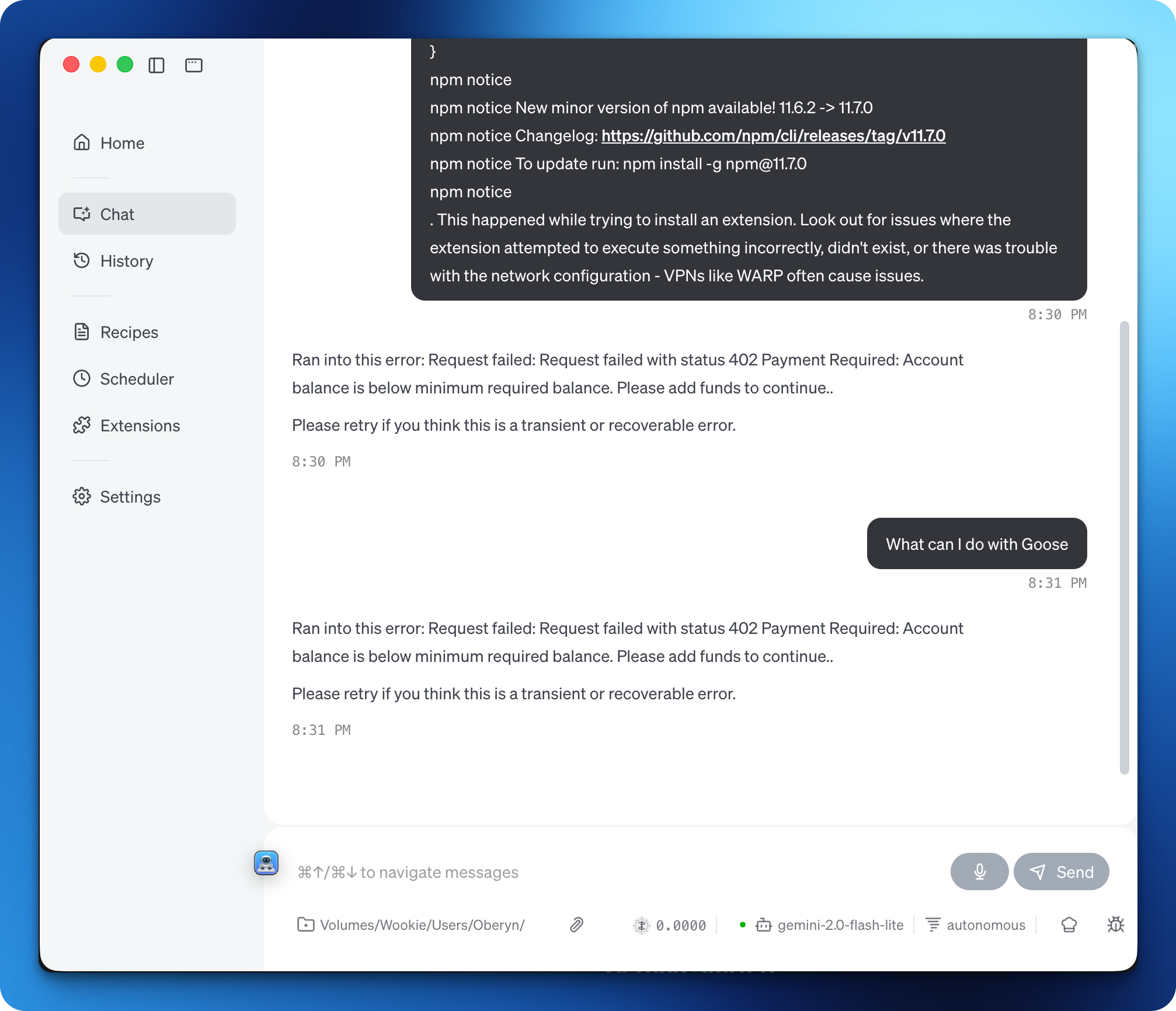
As a test with this application, I created a Django project. I just wanted to see how it would do. It wasn’t quite as smooth as using Warp to do the same, but it was okay. I got something that worked in the end. At the moment, I’m not really convinced about Goose and what you can do with it, but it may be something to look at a little bit later on.
Google AI Plus
Google AI Studio
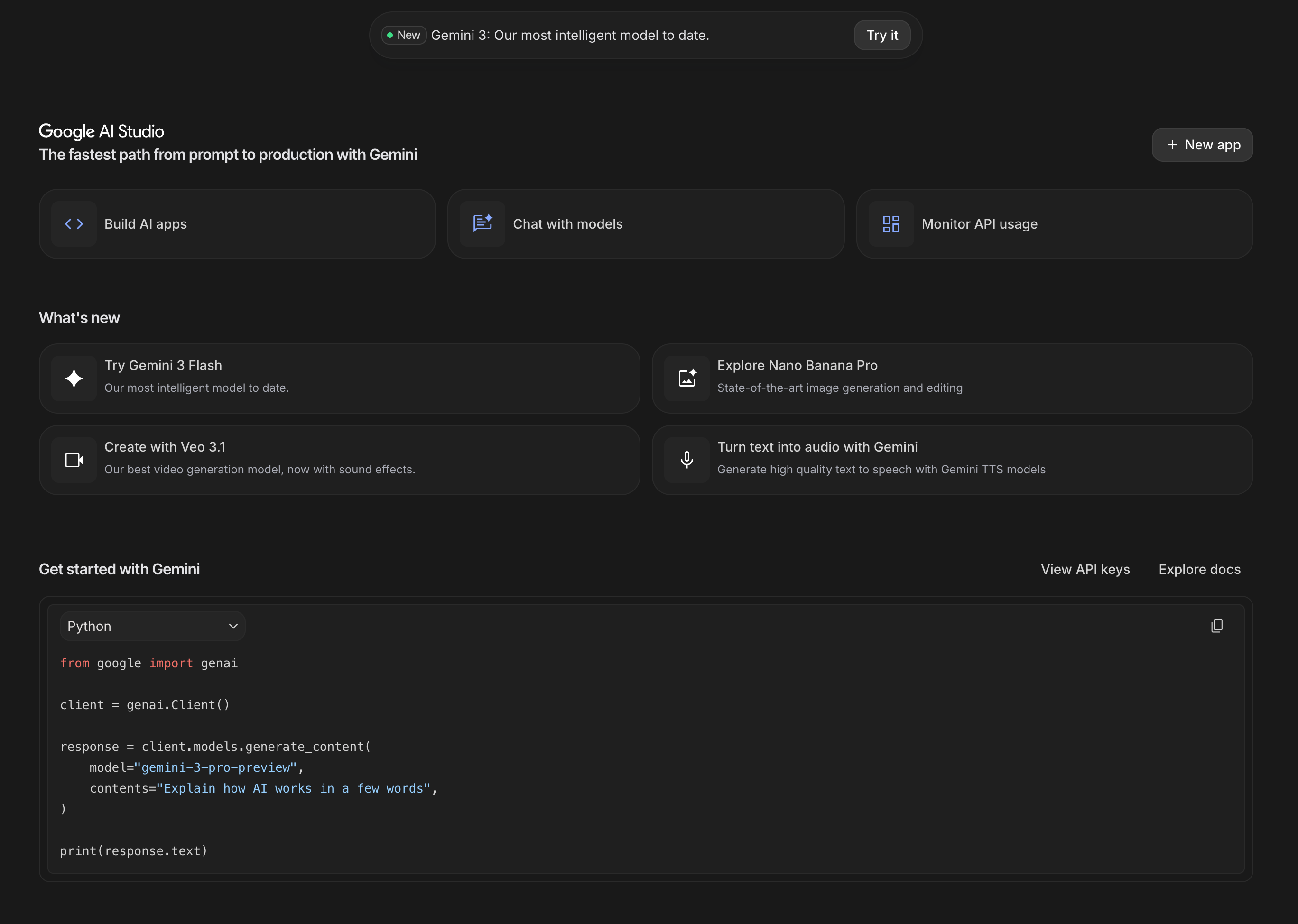
I have just subscribed to Google AI Plus because there was an offer available for €3.99 per month, which i normally is €7.99 per month. I’ll try and use it for the next two months as much as possible to see if I can decide if it’s going to be worth continuing paying for it. It looks quite interesting because it has a lot of tools in there, including creating images and creating videos. Obviously it’s got all the general AI stuff in there for asking questions and doing research. NotebookLM is part of the Google AI offerings.
I decided to do some testing by making an app for a motorcycle group. Initially, it started working quite good and everything was looking great. Most of the functionality was working, but then it got stuck. I was asking it to set an upcoming ride as being completed, in which case it should have been archived. Then navigated to the archive page to show the archive, and also for it to have a message on the next ride page saying that there wasn’t one set up yet, but they have a button there to start a new one.
What I did is I downloaded the code from Gemini, Google AI+, and I put it into Warp. Already, it’s looking a little bit better. As much as Warp is setting up with some unit tests and other automated testing, I think it’s going to fix it. The difficulty will be after that if I can get it back into Google AI Studio or Google AI+ to see if I can continue working on it there.
I have been setting up the Gemini command-line interface to work within VSCode, although I think I probably should be using Google Anti-Gravity, which is a fork from VSCode. At the moment, I’m following a course to help me set this up, which is why I’m using VSCode because the guy is using VSCode in the tutorials.
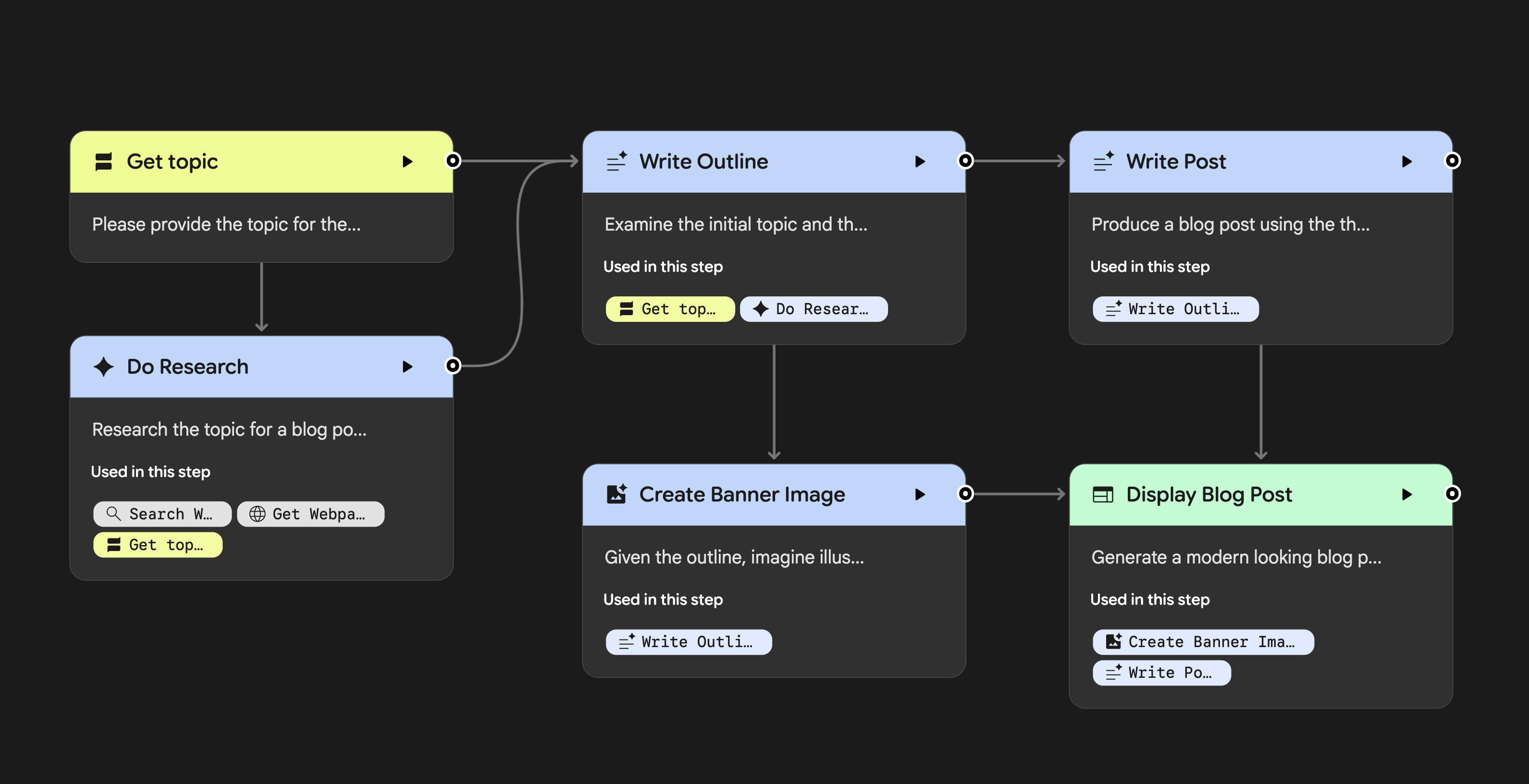
I’ve just managed to get into the Google Gemini Opal system, which seems to be a way to make agents do specific tasks. I tried out one of the Opal, I think they’re called gems, to help me create a blog post. It does the research as one step, then it creates an outline for another step, then it writes the blog post. I was not impressed with the wording or the way the language was used in the blog post. I suppose there is a possibility that I could feed it some context by giving it some of my own blog posts to look at to see how I write. For the moment, I will continue to write blog posts as I am doing at the moment by talking to my computer using Wispr Flow.
NotebookLM
NotebookLM is Google’s AI-powered research assistant that transforms how you work with documents and information. At its core, it allows you to upload PDFs, Google Docs, or other text sources, and then interact with them using natural language queries—essentially having an intelligent conversation with your documents. The tool uses advanced language models to understand context and provide relevant answers, summaries, and insights from your source material. What makes NotebookLM particularly useful is its ability to synthesize information across multiple documents, generate study guides, create outlines, and even produce audio overviews of your content. It’s designed to be intuitive and accessible, requiring no technical setup or command-line knowledge, making it a refreshing contrast to some of the more complex AI frameworks out there. Whether you’re a student, researcher, or professional trying to make sense of large amounts of information, NotebookLM offers a straightforward way to leverage AI without the frustration of complicated configurations.
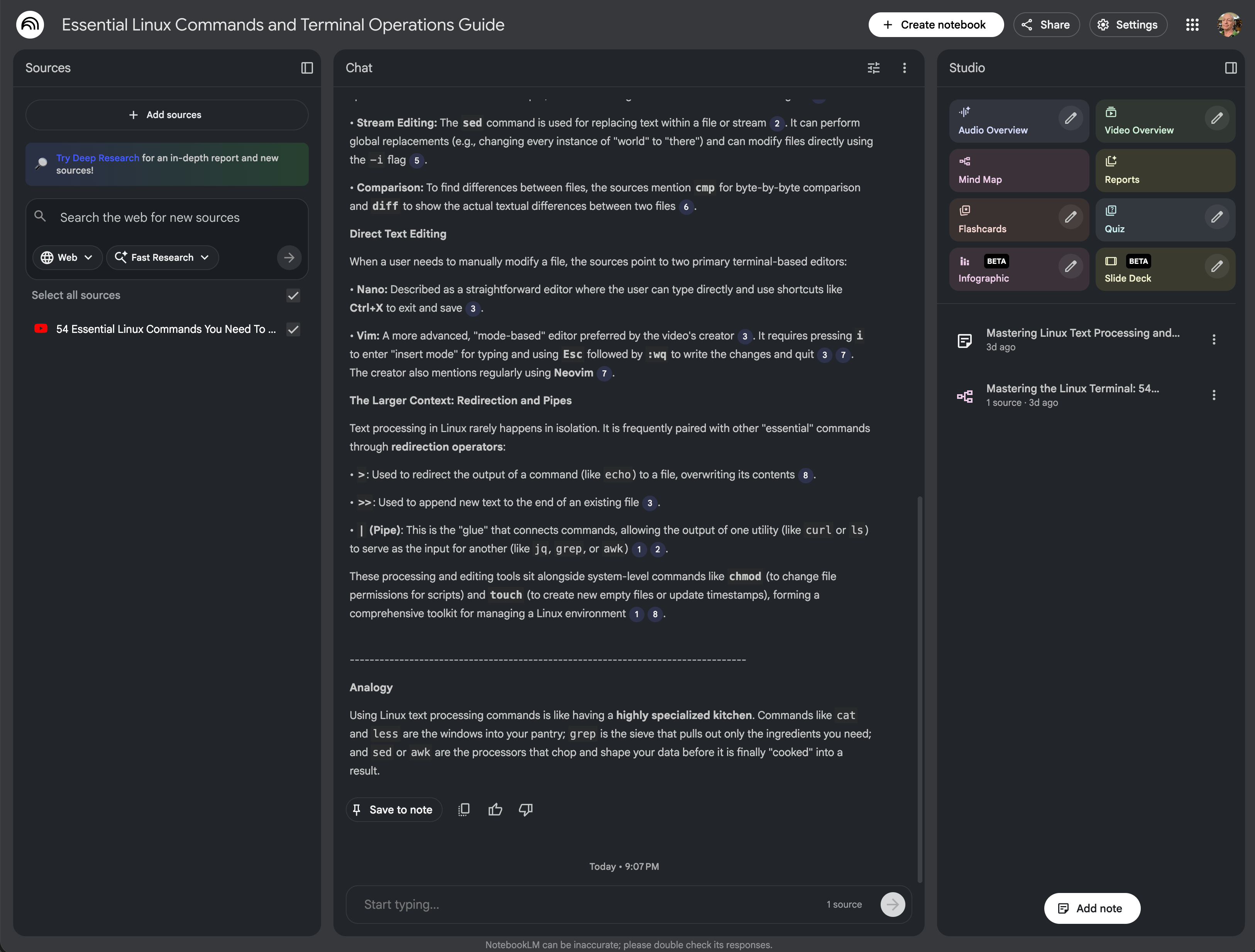
Notebook LM is quite a popular AI research tool. What people seem to do is to do all the research in this first, and then move on to using that research for making their applications or doing whatever else it is that they want the AI to do for them. The good thing about it is that you can be specific about some of the information that it uses with its answers by adding documents of your own, YouTube videos, and various other sources which gives you good research with less possibility of hallucinations.
One of the cool things that I’ve tried with Notebook LM is to get it to create a little podcast for me. Basically, what this does is to take the information that you’ve given the notebook and turns it into two people talking about it. And it’s quite interesting, I quite like it. I could put a couple of documents or videos into this notebook LM and create a little podcast out of it so that I could listen to it while I’m walking along the beach in the morning. I think it’s possible when you have it on the desktop computer that you can ask questions and get audio responses
Perplexity
I got access to Perplexity AI because of having an account with the phone company I use at the moment. I was quite pleased that it gave me the option of this for free for one year. When it comes to the end of the year, I would be tempted to pay the 20 euros per month to keep it because I found it very useful. On the other hand, if I can get the same answers or similar answers from another AI without having to pay 20 euros per month, then I’ll look at that as well. That seems to be one of the problems with a lot of these AI tools. You have the tool where you use the AI, which maybe you have to pay for per month, and then, on top of that, you also have to pay per month to get access to some of the newer and better large language models. One of the things I like with Perplexity is that you can put it into audio mode, and it will have a conversation with you. You can ask questions, and it will reply like you’re having a little chat. I’ve had a couple of these little chats while I’ve been walking in the morning by the beach, and I’ve also tried it out in the car. It’s very useful. I’ve also found I can do the same sort of thing with ChatGPT. The voice sounds a little bit better with ChatGPT, but works in a very similar fashion, and the quality of the answers to questions is just as good.

AntiGravity
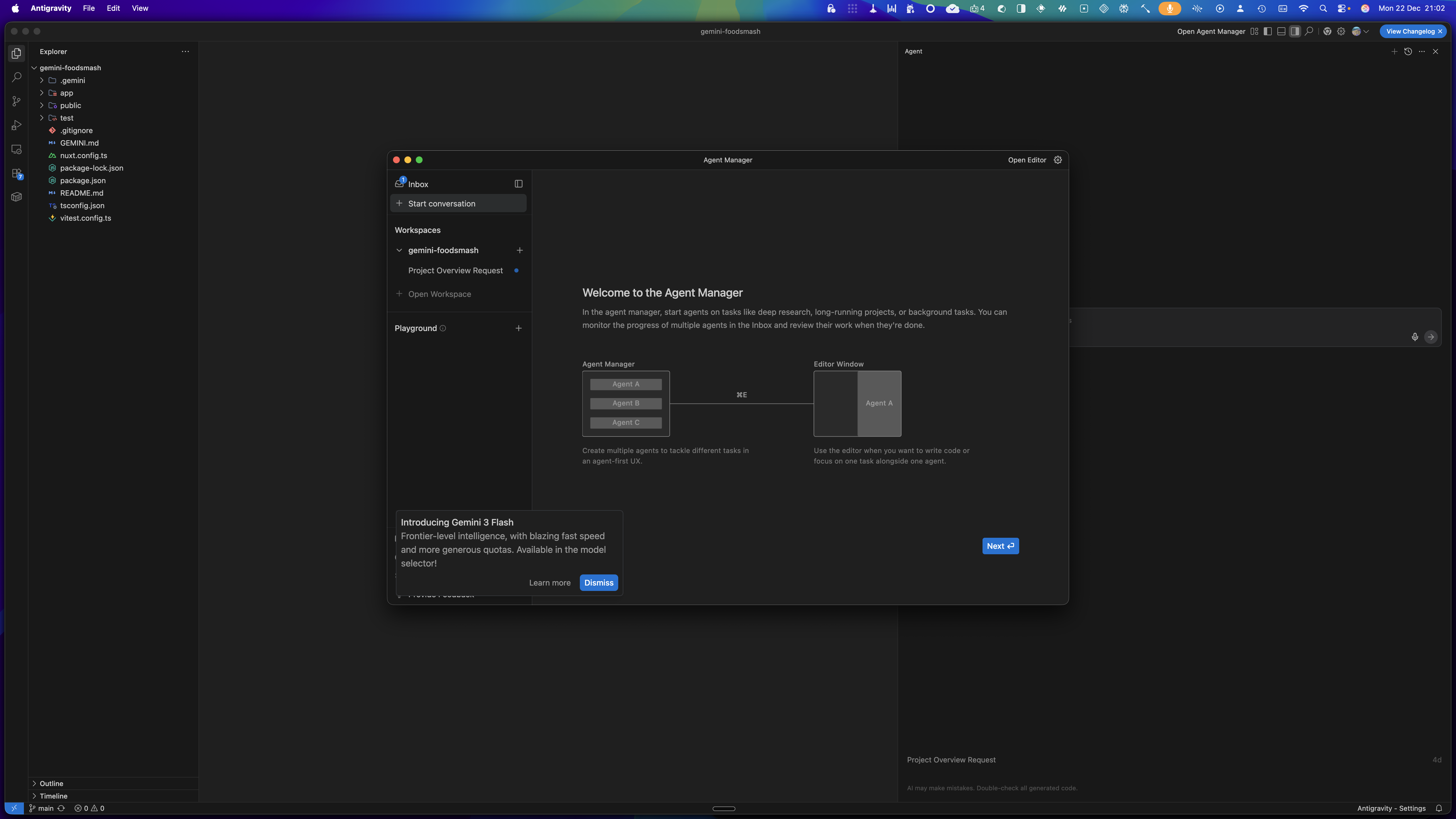
This application is another fork of VS Code and it does agentic coding and it does it asynchronously, so you can have a number of agents working away on the same project at the same time. I have watched a couple of videos of this to see what it can do, but I haven’t yet tried it for myself. It does look quite interesting, but many of the reports I’ve seen so far say that it’s not quite ready and there are a few bugs in it. So maybe I should wait a little bit longer before having a go. The application is from Google, and it works with Gemini 3 as well as other large language models.
Anthropic and Claude
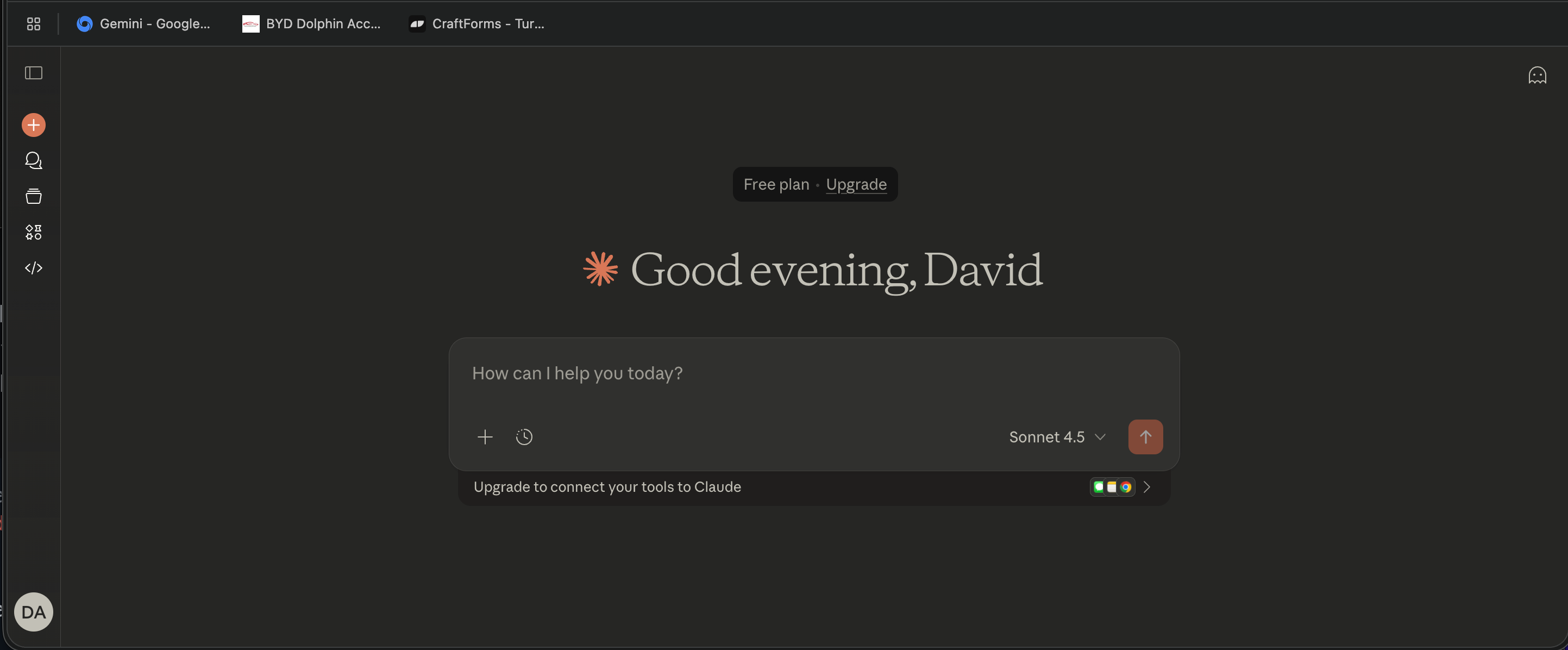
This is another one I’ve tried, and I don’t really have much to say about it right at this moment. From what I’ve seen on YouTube, many people like to use this one for coding purposes. Again, you have to choose which of the large language models you’re going to use to suit whatever it is you are going to do with the AI.
Ollama
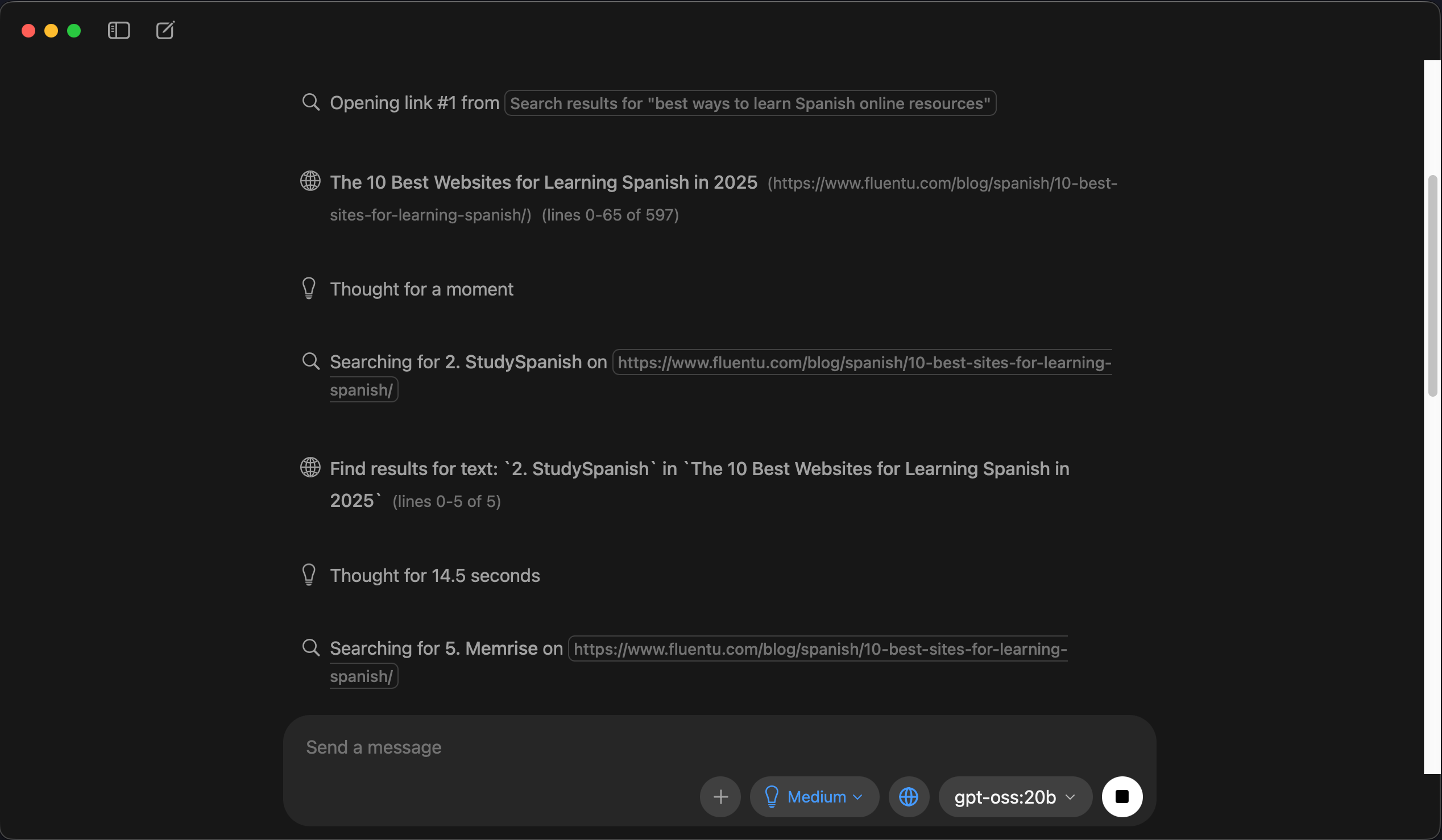
I have this one installed on both of my Macs, and I have downloaded a couple of large language models to use directly on my machine. Obviously, they can only be small ones. For general chatting and limited questions, this can be useful even though it’s not going to have the same sort of thinking power as some of the big boys. With the fact that it’s on your computer, it does mean that it will work fast, and you do have extra security and privacy by not uploading so much data to the cloud to get the AI working. How good the AI is going to be on this will depend upon the computer hardware that you have. Obviously, having a good graphics card and plenty of RAM is going to make a lot of difference. This AI option is one I will continue looking at and perhaps it’s something I will try out first to see if I get what I want from it, before I jump into using any of the others where I have to pay for the privilege of using their services.
A conclusion for the moment on AI
I’ve only mentioned a few of the tools on this here, and I have to say that it’s all quite confusing with all the different tools available - Then you have a plethora of large language models to choose from. The confusion is compounded if you look at the stuff coming out on YouTube where the commentators are coming out with the latest and the greatest just about every single day. Honestly, every day there is something coming out which is new and much better than what’s there already, and it’s hard to keep up with it at all!
My plan at the moment is to continue using Warp as an agentive tool for creating applications. I like the way it works, and it’s given me some good, useful tools. I’ll try out some other things as well, and at the moment, I’m looking at Gemini and the tools that come from Google. I have a very small paid account with Google, so I’ll see what I can do with that. One of the good things about Google AI studio is that you can create an application and also deploy it through the same system, which makes things a lot easier because deployment is sometimes quite difficult, especially with something like Django projects.
I will try to not jump around too much from one tool/system to another because that’s what makes things really confusing. As usual when I’m working with all these different things, I make notes in my second brain note-taking app of choice, Craft. That should help me to make sense of it all.