Touch Typing for Old Gits
Learning to Touch Type
66 Years old and although I’m pretty quick with the typing without touch typing, I think it is time to do it properly. I will be doing this with the MacBook keyboard and the magic keyboard on the MacMini. I do have a split keyboard, a ZSA Voyager, but I have that set up with a Colemak format. Maybe I will learn the touch typing on that later.
Learning to touch type offers significant benefits, making computer use faster, easier, and healthier. By mastering this skill, typists can dramatically increase their typing speed and accuracy, which boosts productivity and saves time across many professional and personal tasks. Touch typing helps users focus on content rather than searching for keys, reducing mental and physical fatigue while supporting good ergonomic posture. This technique can also decrease strain on the eyes, hands, and wrists, helping prevent repetitive stress injuries. Improved efficiency and accuracy lead to higher-quality work and allow more time for creative thinking and problem solving, making touch typing an invaluable skill in today’s digital world.
On the other hand - I do like to dictate using Voice Control on my Apple devices as much as possible.
Where to Learn Touch typing
It’s a long timer since ‘Mavis Beacon Teaches Typing’ but there are plenty of resources on the web and I found one called Typing Club that seems to be set up for teaching children, but that’s OK for me. I was showing it to my grandchildren and just gave it a try for myself. Why not… Indeed. There a lot of lessons and I think I will stick with it. It will take some time to get through it all. Reminds me of my first wife going to learn secretarial stuff when she left school. That included touch typing as well as that thing when you take notes with odd squiggles.
Lesson One - J and F and Onwards
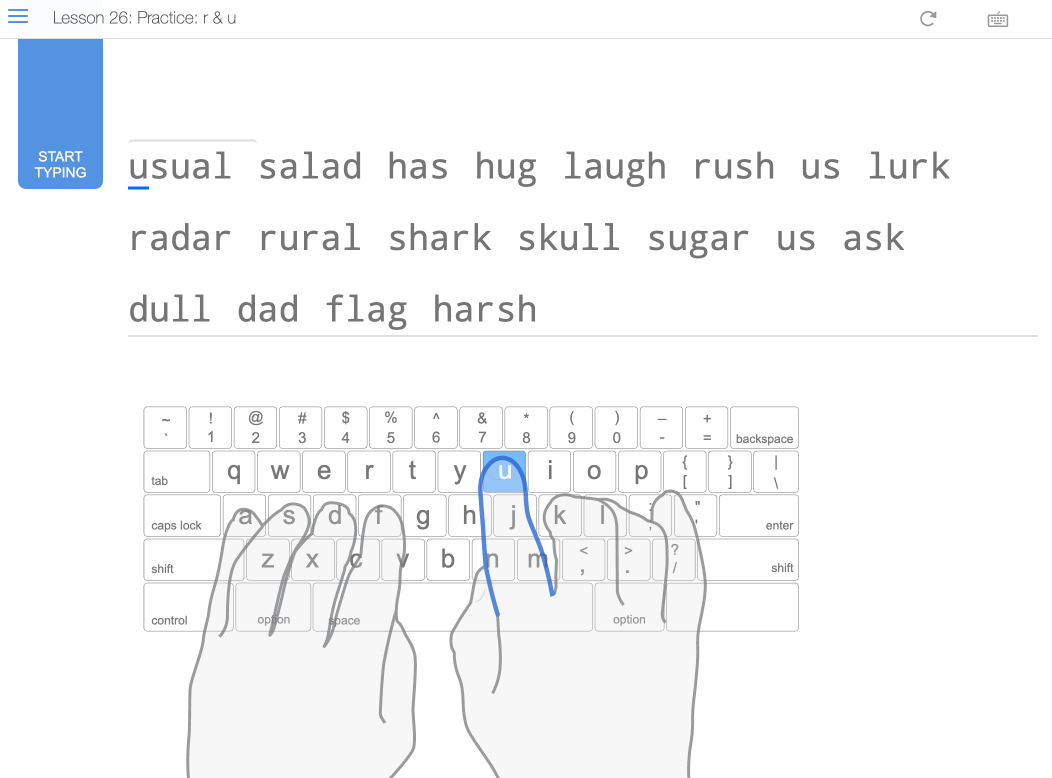
This is a good start, getting the fingers in the right place on the keyboard. Then using the index fingers off each hand on the letters with the mark you can feel. That way you know when your fingers are on the home row. The web app runs you through a few exercises so you get used to hitting the F and J keys with the proper fingers.
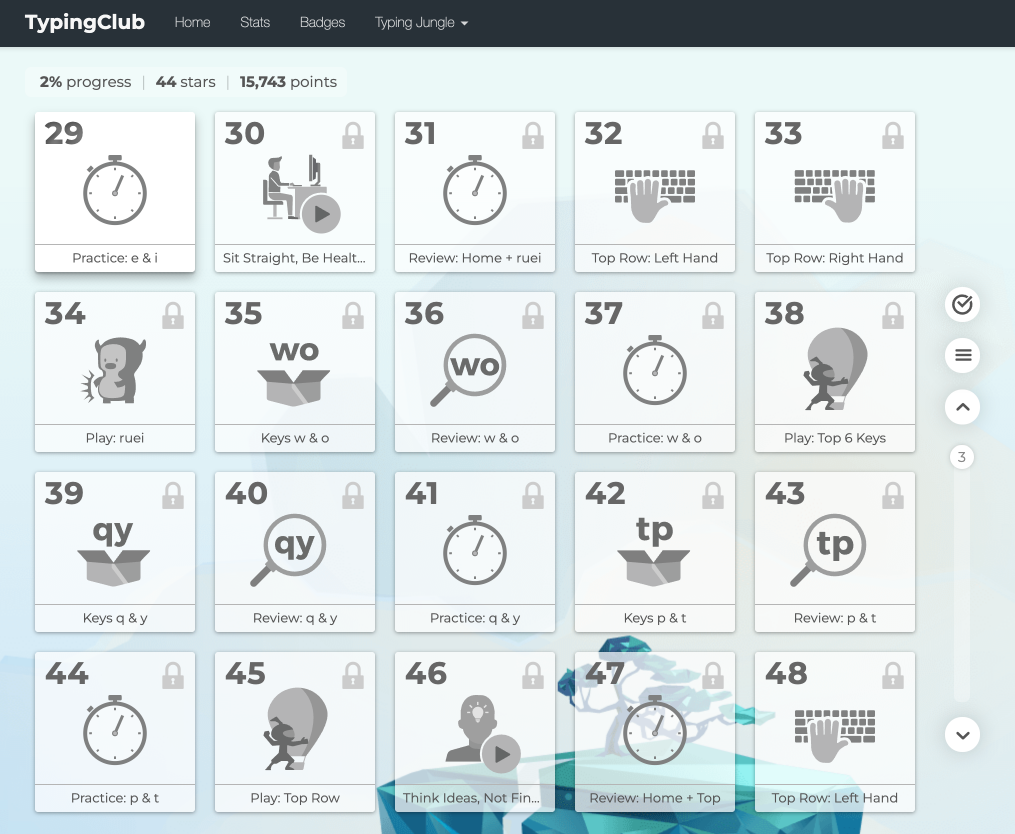
Basically the app keeps on adding more letters to the armory of letters you can touch type with. It lets you practice the just added letters and then give you the chance to use them with the letters already learned.
One thing I’m not sure about is when to switch completely to touch typing from what I am using now. This article is not being typed with touch typing. I’m still quicker with the wild way I use any fingers to get whichever letter. If I keep doing that, it may slow me down with learning to touch type.