Stow or Chezmoi - Which is best for Dotfiles
Looking after the Dotfiles
Dotfiles are the hidden settings files for applications. So you might have a .config file to cover the settings for your Neovim. I have a config file for Ghostty, which it the terminal app I use. I used to use Kitty and before that iTerm2. If you use Tmux and have customisations to make it look and behave that way you like it, then you will need to have a file to specify those settings. They are called Dotfiles because they have a dot in front of the name or live in a folder which has a dot at the beginning. This is to make the file invisible when looking at the files in Finder. I use Yazi as a file manager (also has a dotfile) and have that set to show me the Dotfiles as a default.
It takes time to set up these apps and you don’t want to repeat work unnecessarily. So there are apps you can use to have the dotfiles in one place and easy to get into another computer so you can have the same experience on that other machine. This is great if you have more than one computer. Or if you want to set up a VPS in the cloud and you want to quickly replicate the way the apps look and feel. So I tested two ways to look after the dotfiles. I had tried Chezmoi before and Stow but couldn’t remember how they worked. So I had a fresh look at them, starting with Chezmoi.
Testing Chezmoi
Chezmoi didn’t seem too difficult to set up when I first got into it. I spent a couple of days messing with it and I got to the point when I wasn’t happy with where I got to.
Easy to set up with the command chezmoi init and then you can start adding the dotfiles. chezmoi add ~/zshrc. Then you can use chezmoi cd to go to the folder where these dotfiles are managed.
You make this folder into a git repo and use the usual git commands to fill the repo and to connect it to a Github repo. So later on another machine you can clone the repo and quickly get the dotfiles with all the settings ready for your apps like Neovim, tmux or your favourite terminal app like Alacritty, Kitty or Ghostty.
Chezmoi is complex, with a steeper learning curve due to vast features (templating, encryption, Windows support, secrets management, per-host configs, scripting). To be honest I found myself getting a bit confused with the commands to make it work. It didn’t seem user friendly when I wanted to get in and edit files and to update them in the Chezmoi managed files. So I decided I wanted something easier to use. I asked Perplexity which is better, Chezmoi or Stow. Despite the effort and time I had put into Chezmoi, I thought it would be prudent to look at Stow again.
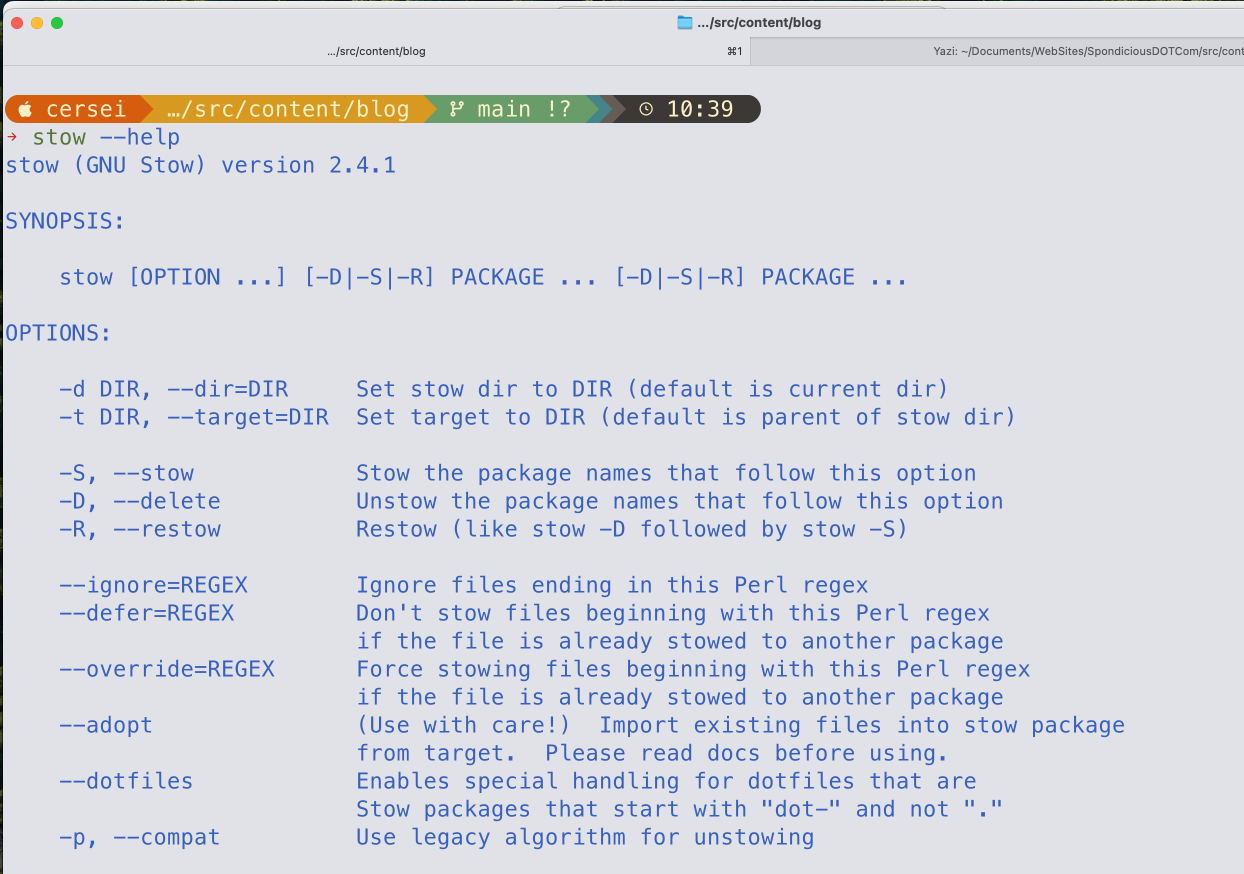
Testing Stow
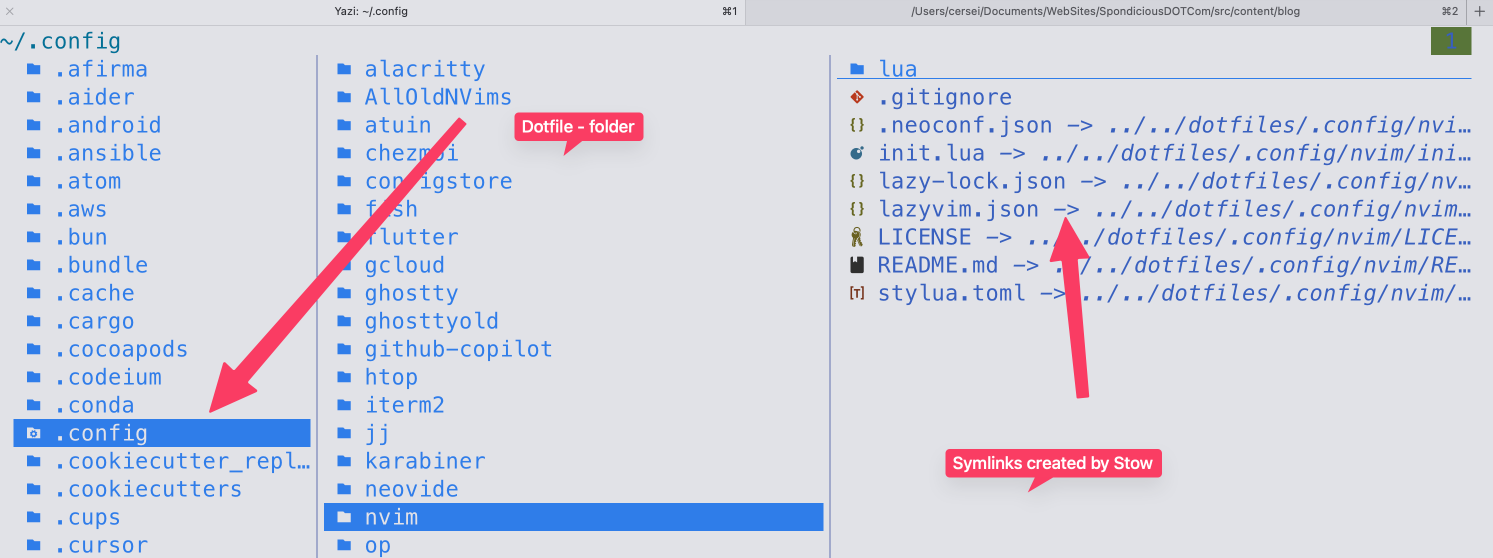 Stow doesn’t do as much as Chezmoi and so obviously will be easier to use. Less in there to confuse me.It works differently by making use of symlinks. It’s seems a bit like having the same file in two different places at the same time. If you edit either one of these instances of the file, the other is updated at the same time.
