Privacy & Encryption 2026
Are we Getting a new Nazi Age?
I’m always baffled by the ideas of the hard right. It’s like they want the government to tell people what to do - Conveniently forgetting that they will also be told what to do. Also forgetting that those when in power will want to monitor the people to make sure they are doing what they have been told to do. The UK government want to have a back door into private communications to read your emails and text messages. They actually asked companies providing end to end encryption leave a door open for access. The governments asking for these back doors don’t seem to realise that other nefarious people will also exploit such a back door. Privacy would no longer exist for anyone. Unless…
Build Your Privacy Standards Yourself
Encrypt Everything!!!
It’s time to make sure your own privacy is as protected as it can be. How can we do that? First step is to avoid email as much as possible. If you really have to write an email then make sure you have encrypted it. Use Pretty Good Privacy PGP / GPG and encrypt everything. I’d suggest ProtonMail for sending encrypted emails to people who have not set up PGP. Those recipients will get a link to use so they can see the message. You will have sent them a password to gain access also. Send the password by other means. For example in a messaging service which is end to end encrypted. Session is a good app to use for that. If you use something else then set it to make the messages disappear after a set time. Also use a messaging app which does not allow screenshots or forwarding of sensitive messages. The recipient of messages have to be encouraged to also use good privacy practices. Not much point of being careful and for the receiver to throw your privacy out of the window by copying the message or sending it to another account.
The problem with screenshots, is that it is difficult to stop them. It has to be enabled on the device. I’d like to see screenshots disabled if the message is marked as private or sensitive. The only possibility would be to set the disappearance of messages to a few seconds so the person getting the message would have to be really quick to capture it. Some apps you can set it so that images can only be viewed once and they disappear within 5 seconds. Ii would not recommend using Facebook Messenger if you want privacy. Signal looks like it has good settings for disappearing messages.
Apps with Disappearing Messages
Snapchat
- Messages and snaps can disappear immediately after being viewed, or after 24 hours, based on chat settings.
- For direct Snaps (photos/videos), the default is to disappear after viewing—often less than 5 seconds for images/videos, but chats default to 24 hours unless changed.
Signal
- Disappearing messages can be set from 1 second to 4 weeks after the message is seen.
- Users can set the manual timer, so setting it to 5 seconds is possible for messages to vanish after being read.
Telegram
- In Secret Chats, users can set self-destruct timers for messages ranging from 1 second to 1 week.
- Messages set with a 5-second timer will disappear 5 seconds after being read.
- Disappearing messages options include 24 hours, 7 days, and 90 days for chat content.
- For media (photos/videos) sent as “View Once,” content vanishes right after being opened, which is typically less than 5 seconds for fast viewing.
- No text message timer shorter than 24 hours is officially supported for regular chats.
Messenger (Facebook)
- “Vanish Mode” deletes messages as soon as the chat is closed or content is viewed, but the specific timer (such as 5 seconds) is not directly settable; deletion is based on user action.
Other Apps
- Apps like Dust, Confide, and Wickr Me allow custom, brief disappearing message timers—including 5 seconds or less—after opening.
Threema
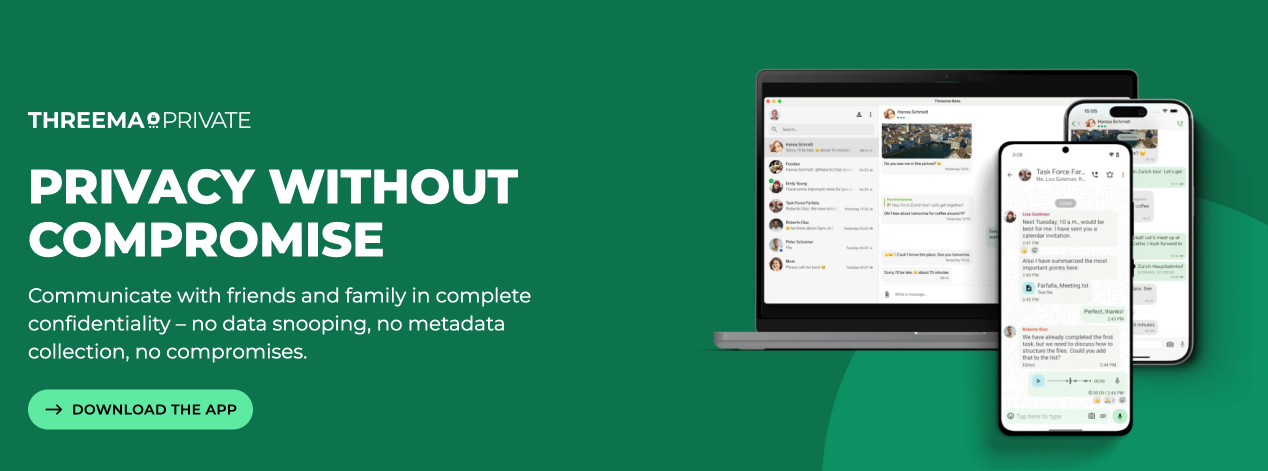
- End-to-end encryption (E2EE) by default for all messages, voice and video calls, files, group chats, and even status messages, using the open-source NaCl cryptographic library.
- No personal data required: Users get a randomly generated Threema ID as their unique identifier, so no phone number or email is needed for registration, ensuring anonymity.
- Minimal metadata collection: Threema generates the least amount of metadata possible and deletes it as soon as it serves its purpose, which protects user communication patterns and privacy.
- Local data storage: Contacts, messages, and public keys are stored locally on the user’s device rather than on servers, limiting server-side data access.
- GDPR compliance: Fully compliant with European privacy laws and Swiss data protection regulations, with servers located in an ISO/IEC 27001-certified data center in Switzerland.
- Open source and audited: Threema’s implementation is regularly subjected to third-party security audits to ensure robustness and transparency.
Additional Security Points
- Group management and contact lists are handled on devices, not on servers, preventing leakage of group composition.
- Messages are deleted immediately upon delivery, and local files are encrypted with AES-256.
- Users can optionally link phone numbers or emails, but this is not required and those can be removed anytime for greater privacy.
Privacy Features of Threema
- End-to-end encryption (E2EE) by default for all messages, voice and video calls, files, group chats, and even status messages, using the open-source NaCl cryptographic library.
- No personal data required: Users get a randomly generated Threema ID as their unique identifier, so no phone number or email is needed for registration, ensuring anonymity.
- Minimal metadata collection: Threema generates the least amount of metadata possible and deletes it as soon as it serves its purpose, which protects user communication patterns and privacy.
- Local data storage: Contacts, messages, and public keys are stored locally on the user’s device rather than on servers, limiting server-side data access.
- GDPR compliance: Fully compliant with European privacy laws and Swiss data protection regulations, with servers located in an ISO/IEC 27001-certified data center in Switzerland.
- Open source and audited: Threema’s implementation is regularly subjected to third-party security audits to ensure robustness and transparency.
Privacy and Anonymity
One of the cool things with Threema is that you can be anonymous with it. You don’t have to register an email address or a phone number. Those things can be tied to your identity.
Only downside to Threema
The only thing people might have against Threema is that it is an app you have to pay for. I would say that €6 is a small price to pay for your privacy.
Good Enough Privacy
You may be able to change the settings in What’s App or Telegram to get a ‘Good Enough’ system for your privacy. If you are in the public eye, or a journalist then it is a no brainer to get Threema. There was a scandal in Spain where the politician was caught doing things he shouldn’t and a lot of the information about what he was up to came from the messaging app he was using. I think it was What’s App. It may have been that people he was texting to saved messages he sent. Hence the need to exploding messages.
You have to decide what is the level of threat you want to work with. It could be that you want to take part in a protest which is perfectly legal. Then you have to consider what if the government suddenly makes that illegal. The UK government made it to support Palestine Action. All they want, it seems is to stop the genocide happening and do something to help the people suffering in Gaza to get aid in the form of food and medicines. So you then find yourself on the wrong side of the law because the goalposts were moved. So we could argue that Encrypt Everything is the sensible option.
What to Encrypt?
If you only encrypt something if you think it could get you into trouble, that file gets a target put on it’s back. The authorities will put all their resources into breaking into that file. Better to encrypt everything to lose that file in a huge bank of all your data. The people who want to know what you are up to will have a massive job in front of them.
You don’t have to be a criminal, journalist, politician or just someone in charge of sensitive data to need encryption. There are nefarious people online who want to know what you are doing and thinking in case they can turn it to their advantage. You should take steps to protect yourself from all the scams flying around the internet. We all know they are out there. I get regularly emails to tell me people are trying to get into my accounts. They won’t get in because I use 2FA security on any account that offers it. You should be using 2FA Two Factor Authentication too, especially on accounts with money and email accounts. Email accounts are like the keys to the kingdom. If a criminal get in there they can more easily access everything else you log into by requesting password changes.
How to use Encryption
Whatever your level start by encrypting your hard drives especially with a laptop. Use a good password manager and great passwords with all your devices, drives and accounts.
Step One Assess your threat level. You want to get it right because the harder you jump into encryption, the more work it will be for you.
- You are not that bothered but you want to take the first steps
- Yes it is time to do a proper job of encryption, but you don’t want to go too mad.
- Top level encryption is needed because of your job or your life.
Level One
- Quit Gmail and use ProtonMail
- Do not use Facebook Messenger for messages.
- WhatsApp has end to encryption, use this if you are OK with messages only being disappeared after 24 hours, if you set it to that in the settings. Or look for an app which allows messages to go poof! within minutes or seconds.
If you are at level one the first starting point will be to not send anything personal in emails. Use a message service which can be configured for security and has end to end encryption. Even What’s App used properly can offer security and privacy. Check the settings in whichever message service you choose in case the default settings are not good enough.
When you have something sensitive to send use Encrypto App to encrypt files or folders. Give the file a good password and send the password by other means. Use the phone to tell the recipient what the password is, or send by secure messaging app.
If you just want to encrypt some text then use Paranoia Text Encryption app
Level Two
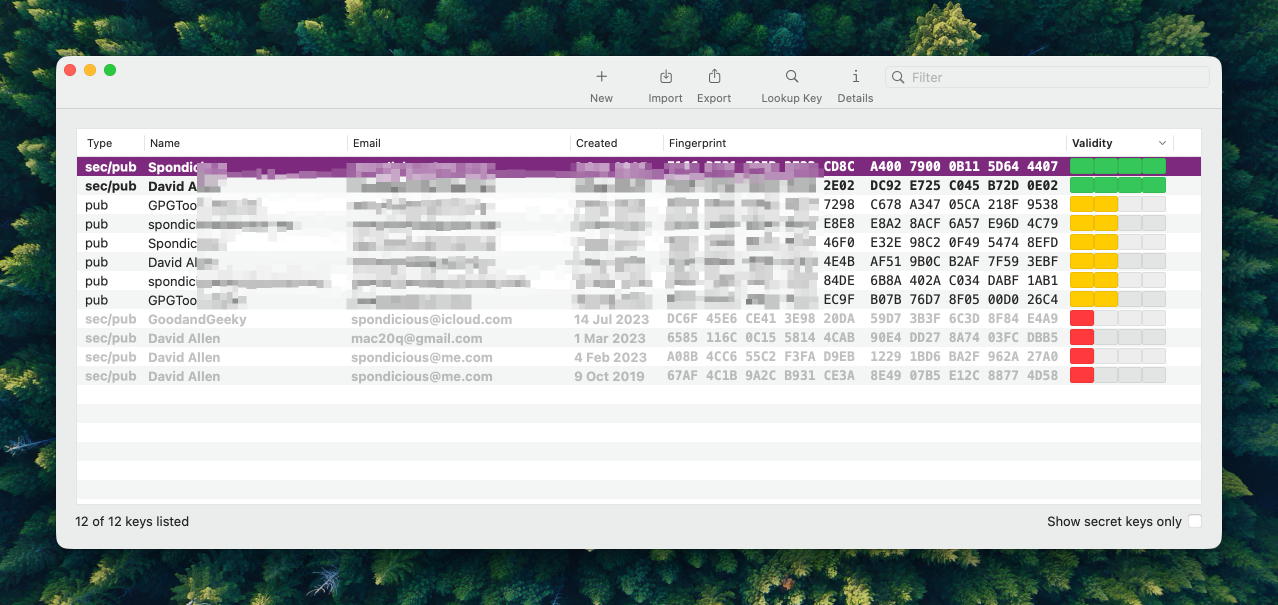
Use PGP Encryption - It is not difficult to understand the concept of a key pair with a public and private key. You give the public key to anyone so they can send a message encrypted with PGP and you decrypt the message with the private key. You just have to make sure your private key it stored safely in your encrypted hard drives.
Email Clients
- ProtonMail - Recommended !
- Tuta
- Thunderbird (free app by Mozilla) I used it for a while and changed to other apps. I have just reloaded it and I am impressed. It looks better and has great support for PGP. I tested it and I’m happy to recommend it.
- Apple Mail with a GPG extension (The extension is not free) The extension is not always as up-to-date as it should be. It can break when there is an update to the operating system. At the moment it functions OK with MacOS 26, but could be better.
- Canary Mail (Not free)
- eM Client (The encryption should work - best to test it)
Email Encryption on your iOS device
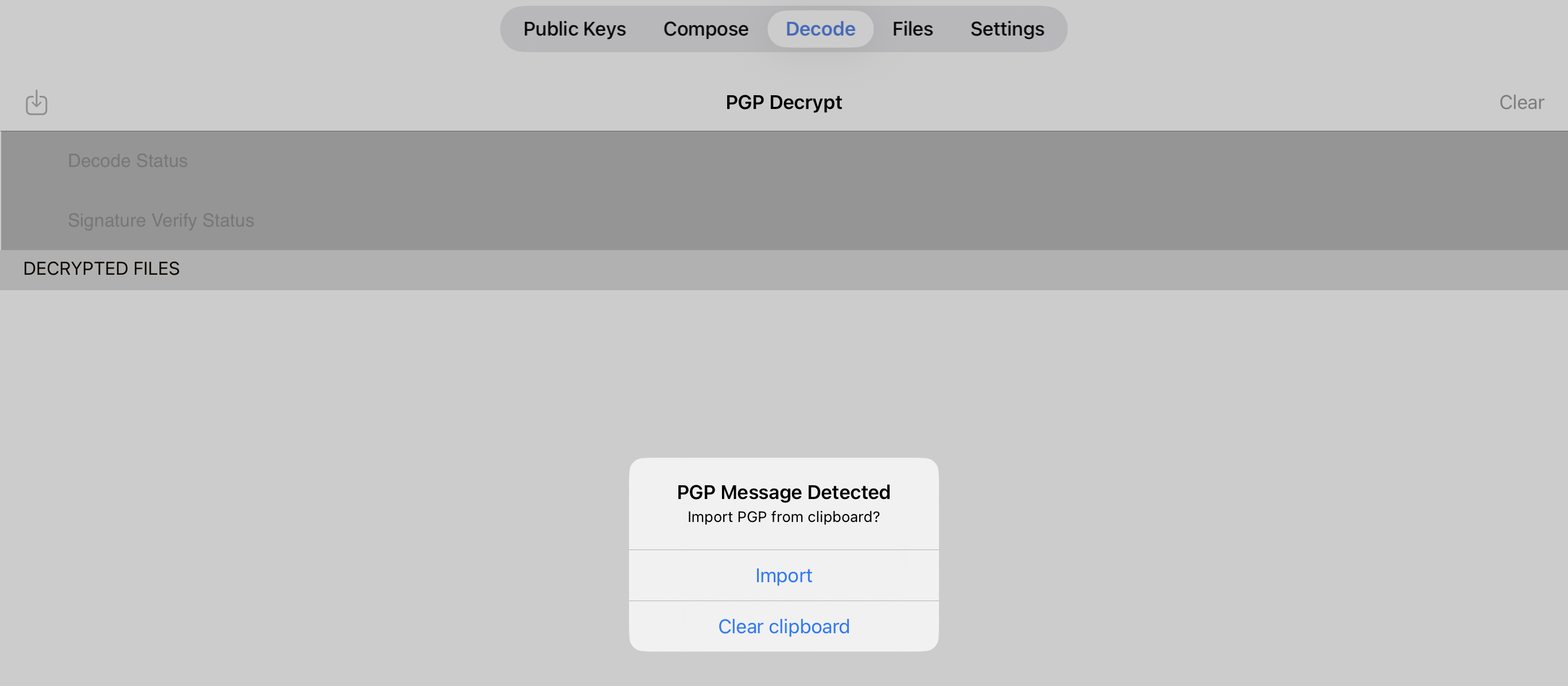
ProtonMail would be my recommendation or iPGMail. If you are setup with PGP on your desktop computer then iPGMail is handy to have to decrypt email messages while on the move. Just copy the encrypted message to the clipboard and open the iPGMail app and it will import the encryption to decrypt it. It also easy to compose and send from the app too. Easy to import your PGP keys also. Instant PGP is another iOS app which will let you use PGP on your mobile device. Neither of these two apps look pretty but they do the job.
Messages
The messaging app should be one of the apps recommended as secure. Get one which has end to end encryption by default so you can be secure messages coming in will as secure as the ones you send out. Your friend could be using an app which could be secure but the user didn’t get around to changing the setting from the default.
Use Signal or Session. You will have to be bossy with your contacts and tell them to use a messaging service suitable for your security needs.
Level Three
Messages Obviously you will want the best. I recommend Threema for messaging for the privacy and anonymity. Have a look at Signal and Session if Threema doesn’t work for you.
Email You will encrypt every email using PGP. You contacts will have to use PGP to contact you or change to messaging by secure messaging app. Threema/Signal/Session.
You and your contact can use the same email account. Put the email into drafts and don’t send it. When your contact has read it, they delete it. It never goes through any servers and is not left around for anyone else to read later.
Computer Make a flash drive with the Tails Operating system. You plug it into just about any Computer - Do what you have to and when you finish it is all gone. Tails forgets everything. You sent your messages and didn’t leave a trail behind you. You can send any emails by logging into ProtonMail from within Tails.
Mobile Devices You might need a burner phone. Probably a feature phone. Or maybe a smartphone specifically set up for your sensitive business. No other apps on there. Just what you need to send encrypted emails and secure messages. Don’t save any documents unless you can encrypt them on the phone. Also don’t have biometric access enabled. No fingerprints or face recognition, just a really good password set up which deletes everything if the password it entered wrong too many times.
What Do You Think?
This is an opinionated view of encryption and the need for it. Do you have any better ideas? There are probably better ways of keeping yourself safe, secure and private online. Let me know. Here is my Threema ID - KEMBD36D
Privacy is possible
It might not be perfect because you can’t always control what a recipient will do with your message. I have seen people reply to an encrypted message without using precautions and having the original message quoted in plain text in that reply. Sending email is like using a postcard when everyone can read the message on it’s journey including the postman. Using encryption is more like sending a letter but with the contents also using a code.
There are wars happening, regimes change, what was once legal can become illegal. There are protests to go to, to complain about genocidal behaviour taking place. Not to mention the fact that the internet is full of criminals who want to scam you of your money. It makes sense to start with at least a basic level of privacy, my suggested Level One for example. Then beef it up as you want to or need to.